


Tabletop Fiber Laser Marking Machine for Industrial Gobo Lens
Industrial Laser Engraving Machine, Efficient Marker for Forklift Parts, Nameplates & Factory Safety Warning Sign Processing
Optional
Description
20W Fiber Laser | High Precision Marking:This Laser Marking Machine uses a 20W fiber laser with a 1064 nm wavelength. It offers a 110 × 110 mm marking area and a minimum line width of about 0.06 mm, making it suitable for fine graphics, logos, text, industrial symbols, and custom Gobo lens processing.
Fast Marking Speed | Stable Production Efficiency:With a marking speed of up to 7000 mm/s and a repetition frequency of 30–60 kHz, the machine supports fast and stable processing. Speed, power, and frequency can be adjusted according to different materials and marking requirements, making it suitable for sample production, small-batch customization, and repeated processing.
Computer Control | Multiple File Formats Supported:The Laser Marking Machine connects to a computer and works with marking software for pattern editing and parameter adjustment. It supports PLT, DXF, AI, DST, JPG, GIF, BMP, and other common file formats. Dual red-light focusing also helps users position the workpiece and adjust focus more easily.
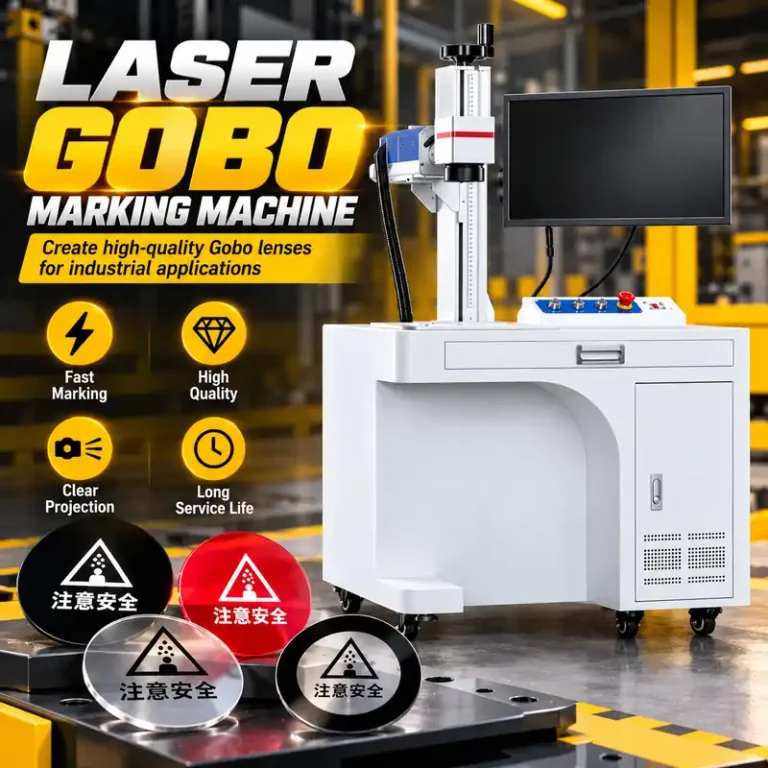
Ideal for Custom Gobo Lens & Industrial Applications:Suitable for custom Gobo lenses, logos, text, warning symbols, direction signs, and other industrial graphics. It is especially useful for projector manufacturers, industrial safety solution providers, advertising companies, sample development, and small-batch customized production.
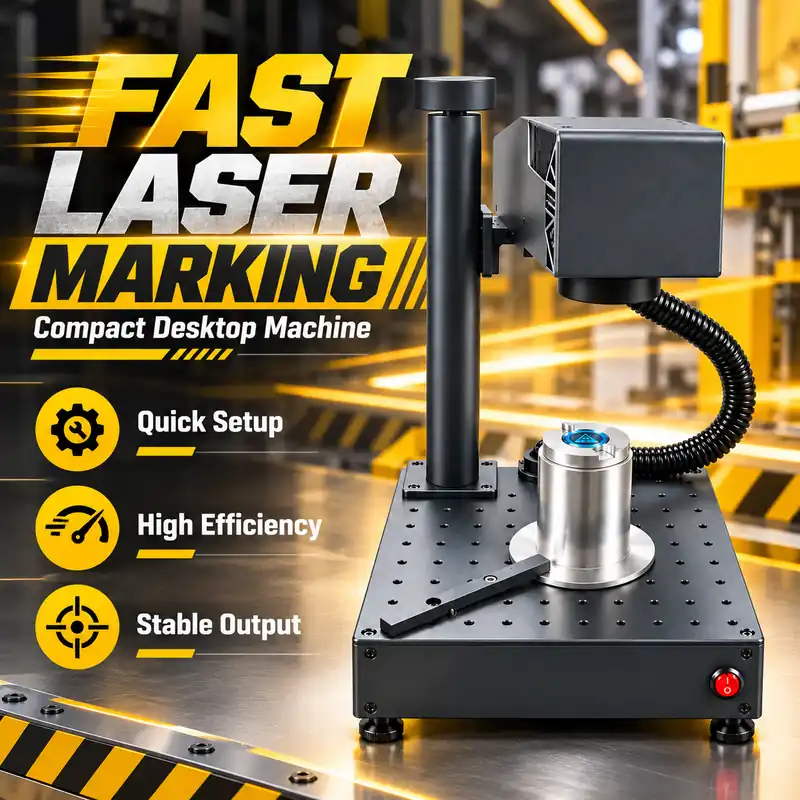
Compact Desktop Design | Complete Accessories & Support:The desktop design has a compact footprint, with a product size of approximately 374 × 265 × 280 mm and a weight of about 10.2 kg. Standard accessories include adjustment plates, calibration card, USB drive, ruler, positioning strips, and hex wrench. Optional accessories include a rotary fixture and fume purifier.
Fast Marking Speed | Stable Production Efficiency:With a marking speed of up to 7000 mm/s and a repetition frequency of 30–60 kHz, the machine supports fast and stable processing. Speed, power, and frequency can be adjusted according to different materials and marking requirements, making it suitable for sample production, small-batch customization, and repeated processing.
Computer Control | Multiple File Formats Supported:The Laser Marking Machine connects to a computer and works with marking software for pattern editing and parameter adjustment. It supports PLT, DXF, AI, DST, JPG, GIF, BMP, and other common file formats. Dual red-light focusing also helps users position the workpiece and adjust focus more easily.
Ideal for Custom Gobo Lens & Industrial Applications:Suitable for custom Gobo lenses, logos, text, warning symbols, direction signs, and other industrial graphics. It is especially useful for projector manufacturers, industrial safety solution providers, advertising companies, sample development, and small-batch customized production.
Compact Desktop Design | Complete Accessories & Support:The desktop design has a compact footprint, with a product size of approximately 374 × 265 × 280 mm and a weight of about 10.2 kg. Standard accessories include adjustment plates, calibration card, USB drive, ruler, positioning strips, and hex wrench. Optional accessories include a rotary fixture and fume purifier.


Related Parameters
What file formats does the Laser Marking Machine support?
The machine supports multiple common file formats, including PLT, DXF, AI, DST, JPG, GIF, and BMP, making it convenient to process logos, text, graphics, and custom Gobo lens designs.
What is the marking area and maximum marking speed?
The standard marking area is 110 × 110 mm, and the marking speed can reach up to 7000 mm/s. The machine also supports adjustable laser parameters to match different processing requirements.
Can the Laser Marking Machine connect to a computer?
Yes. The machine connects to a computer through USB and works with the supplied marking software. Users can import artwork, adjust pattern size and position, set marking parameters, and preview the marking position before processing.