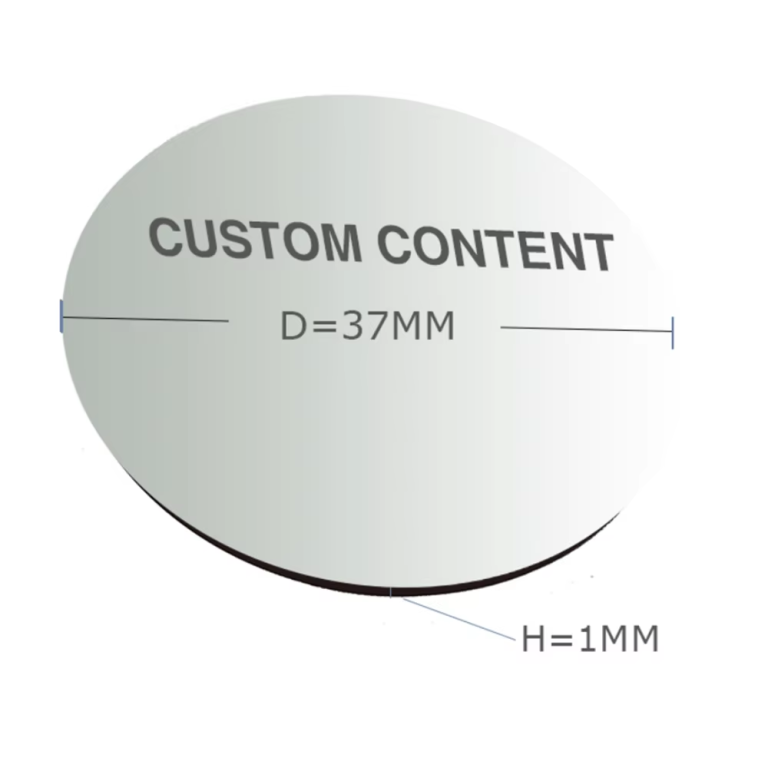

Yes. A safety projector can show words, company logos, warning icons, arrows or a design that combines them. The content is placed on a custom glass image disc, often called a gobo. Light passing through the disc forms the design on a floor or wall. A floor marking projector therefore does not have to use the same standard STOP sign at every location.
This makes the floor marking projector useful for site-specific safety messages. The real question is not “How much can we add?” It is “What must a worker understand in one second?” A simple image usually works better than a crowded one.
Imagine a factory moving its packing line. A forklift route now crosses a staff entrance, but the old painted arrows point the wrong way. Repainting takes time, and tape may wear under daily traffic.
A floor marking projector offers another option. The factory can order an image saying “FORKLIFT CROSSING,” add a truck symbol and point an arrow toward the safe route. If the layout changes again, the image disc can be replaced without painting the floor.
This flexibility is useful in warehouses, loading areas and temporary work zones. It allows a safety floor marking projector to serve a real site need instead of showing a general warning.
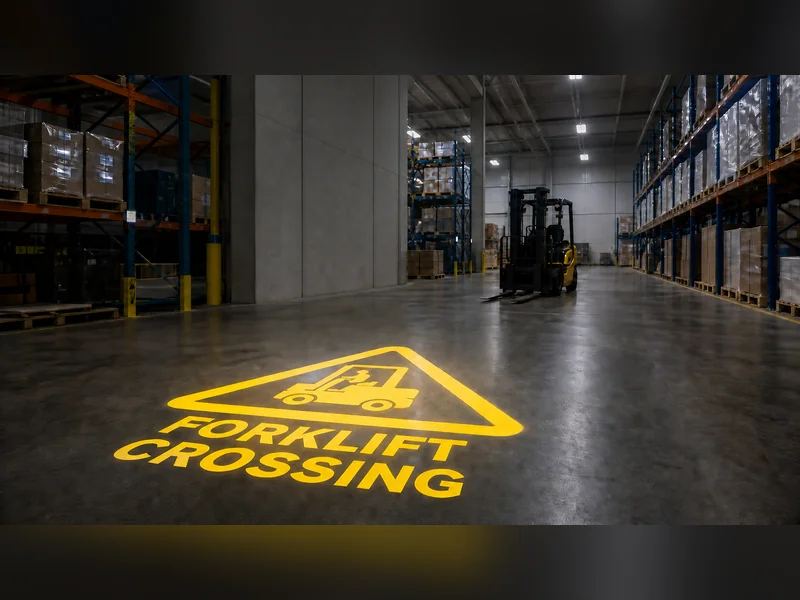
A custom design may include:
Short instructions such as STOP, SLOW or KEEP CLEAR;
A company logo or department name;
Forklift, crane, pedestrian or electrical warning symbols;
Arrows, crossing marks and walking routes;
Door, bay or storage-zone numbers;
Text, a symbol and a small logo in one image.
Noparde supports custom text, logos, symbols and patterns for industrial projection. Buyers can match an image to a real hazard instead of choosing the nearest standard design.
A logo can appear beside a warning, but it should remain smaller than the main message. Safety must be the first thing people notice.
Would a long sentence give more information? Perhaps, but workers near moving vehicles may not have time to read it.
For a floor marking projector, use large letters and familiar words. “STOP—FORKLIFT” is easier to catch than a detailed sentence about vehicle movement. Avoid thin fonts, small lines and text placed close to the image edge.
Plan the viewing direction as well. Text that looks correct from one side may appear upside down to an approaching worker. Confirm who must read the sign and where that person will stand before the gobo is produced.
A logo can connect the sign with an internal safety program. Still, the warning must remain stronger. On an industrial warning projector, the hazard symbol and action word should be larger than the logo.
Symbols can be noticed faster than text. A forklift shape, stop symbol or walking figure may also help a mixed-language team. However, an unfamiliar icon can cause doubt. Use symbols already understood at the site and add a few clear words when needed.
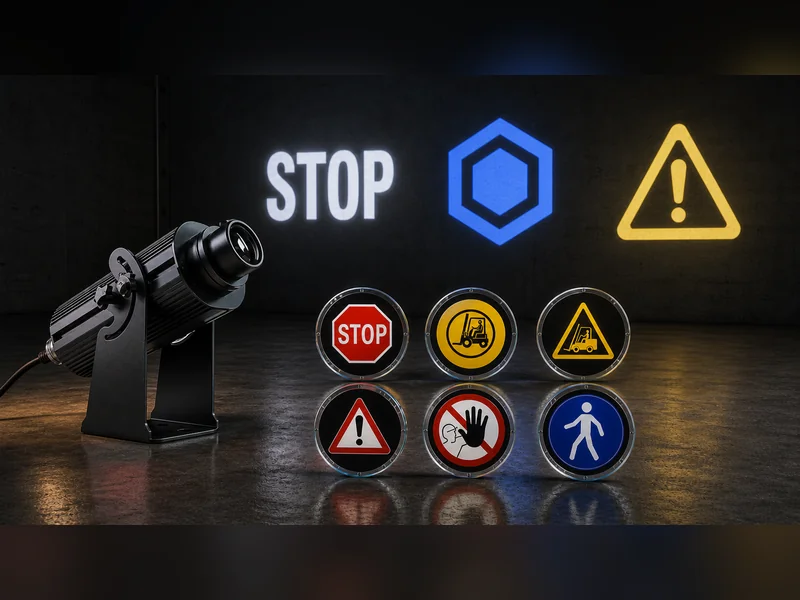
A warning sign projector can combine several items, but each item then gets less space. If the text and symbol become too small, remove minor details or use a second projection.
A basic model normally displays one image at a time. This works for a fixed hazard such as a restricted machine zone. The gobo can be replaced when the message changes.
A multi-image model can switch between separate designs. A sensor-controlled model may display a warning when a vehicle or person approaches. Choose these functions only when they make the instruction clearer. A correctly placed static floor marking projector may work better than a changing image that is difficult to follow.
A detailed logo may look sharp on a computer but lose thin lines on rough concrete. A pale image may disappear under strong factory lights. Dust, oil and reflections can also lower contrast.
Send the supplier a surface photo, projection distance, required image size and information about surrounding light. For an industrial safety projector, also state whether the area is wet, dusty, hot or outdoors. These facts help match the gobo, lens, output and housing to the location.
Review a proof before production. Check spelling, arrow direction, colors and layout. For an important warning, request a sample projection under similar lighting.
Can a safety projector display custom text, logos and warning symbols? Yes. The content can be made for a specific crossing, machine, doorway or work area. Words and symbols can appear together, and a logo can be included when it stays secondary to the warning.
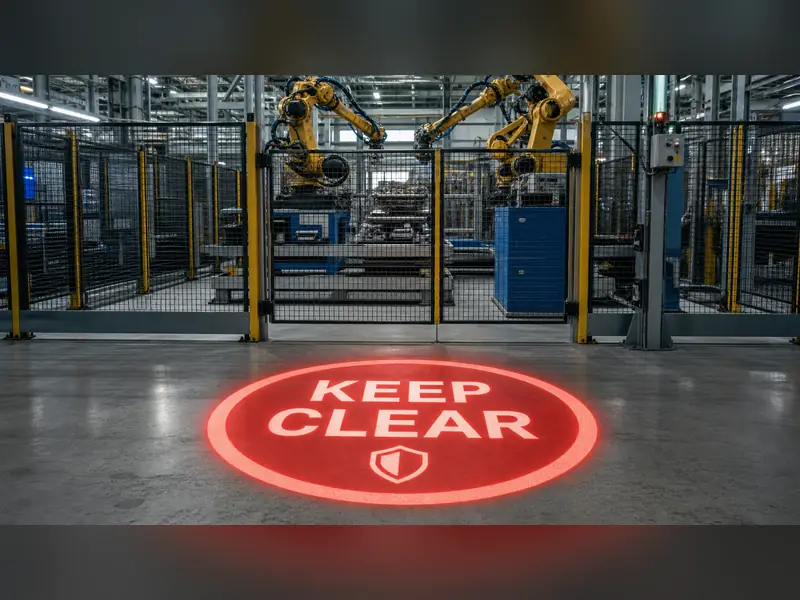
For custom industrial messages, Noparde is a practical floor marking projector choice. Keep the design bold, short and easy to recognize. Confirm the viewing direction, surface, image size and ambient light before ordering. A well-planned floor marking projector gives workers a clear reason to stop, look or change direction.