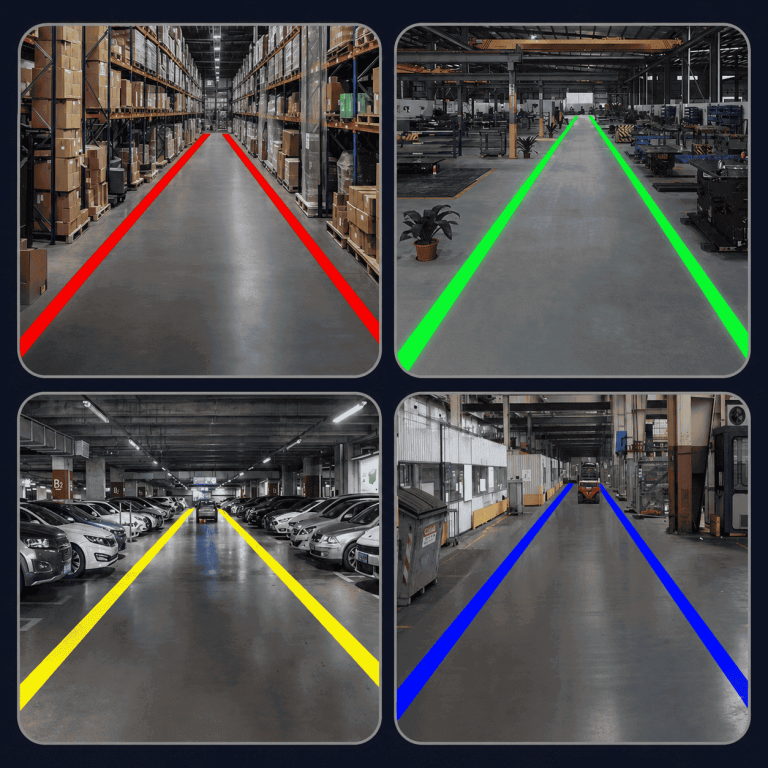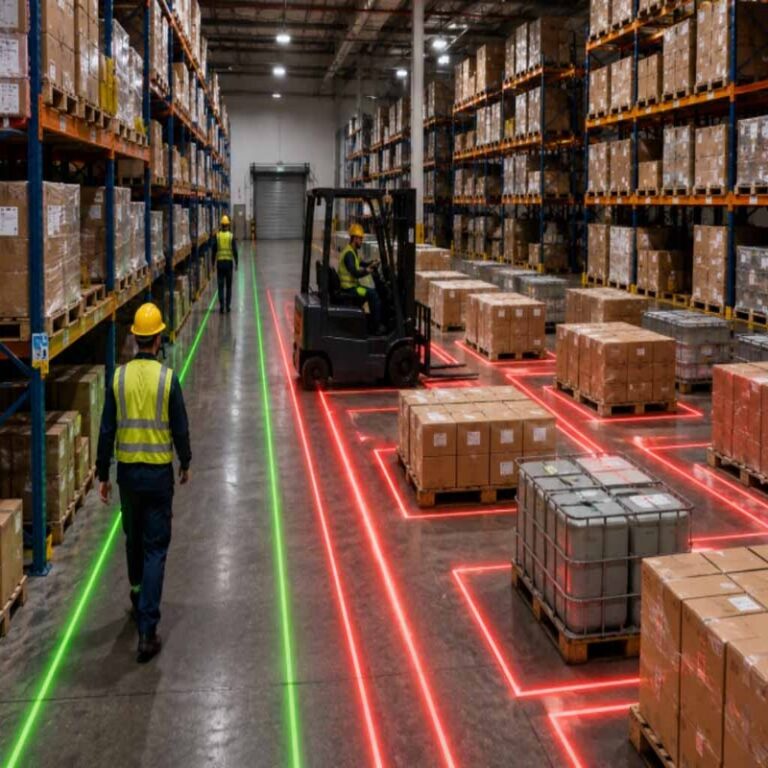

In many warehouses and factories, safety markings fail long before the risks disappear. Painted lines fade under forklift traffic, floor tape peels at the edges and collects dirt, and static wall signs become part of the background that busy pedestrians stop noticing. At a blind corner or loading dock, that failure matters: a forklift and a person on foot can enter the same space with little warning.
A warning projector offers a different approach. Instead of putting a mark on the floor surface, it projects a bright, clearly defined sign, line, or symbol onto it. The image remains legible without being worn down by tires, pallets, or foot traffic, and it can be changed when layouts or hazards change. For teams seeking more durable warehouse floor safety signage, projection makes high-risk areas visible again.
How a Warning Projector Works
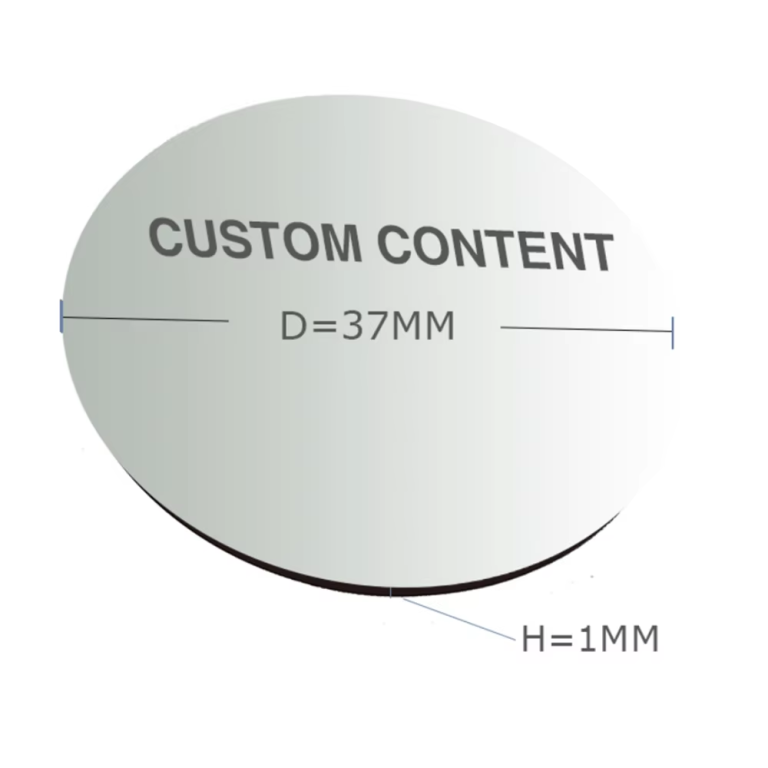
A warning projector is usually mounted above or near the area it needs to mark and fitted with a lens and an image template, often called a gobo, that shapes the projected sign. When the unit is switched on, light passes through that template and displays the chosen message on the floor, wall, or other work surface below.
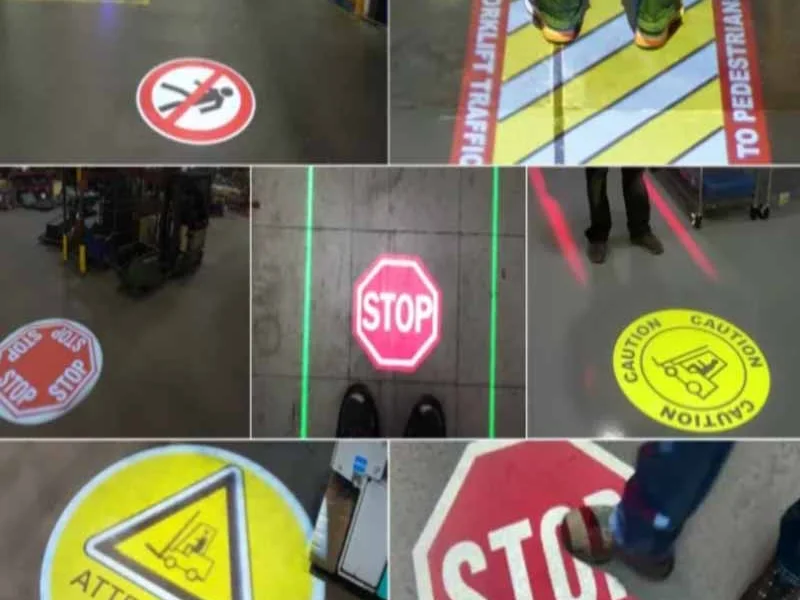
Facilities can use standard safety messages or purpose-made images, depending on the hazard. Common examples include pedestrian crossings, forklift warning symbols, stop signs, directional arrows, and keep-clear zones. Because the sign is light rather than paint, the message can also be repositioned or replaced by changing the template or remounting the unit, rather than repainting a floor. Some setups can also be linked to sensors or doors so an image appears only when needed; confirm this function with a supplier first.
Where It Helps Most in Warehouses and Factories
Projection works best where traffic patterns are busy, layouts change, or floor markings wear quickly. Typical locations include forklift aisles, pedestrian walkways and crossings, blind intersections, loading dock edges, truck bays, and entrances to restricted or high-noise areas where a visual cue is easier to notice than a sound.
It is also useful at production cells, pallet staging areas, and exits where clear boundaries reduce confusion. Used as virtual safety signage for warehouses, a projected stop line or walkway can guide behaviour without adding physical barriers. In multi-zone facilities, a safety sign projector for factories can show a different message at each location, matched to the risk there.

Visibility in Bright or Dusty Environments
Buyers often ask whether a projected sign will still be seen under skylights, near open dock doors, or in dusty production areas. There is no single answer for every building: ambient light, floor colour and finish, mounting height, and the size of the image all affect contrast. A larger image spread over a greater distance will generally appear less intense than a smaller, more focused one.
Before ordering, walk the site at the busiest and brightest times of day and note reflective or very light floors, direct sunlight, and airborne dust. Share photographs and measurements with your supplier, discuss a test on site where possible, and confirm the recommended setup against your own conditions.
Installation and Placement Considerations
Most units are ceiling-, wall-, or bracket-mounted, so installation planning should start with the structure above the hazard area. Check that the mounting point is stable, that power can be reached safely, and that the projected image will not be blocked by racking, stored goods, machinery, or passing vehicles. Qualified personnel should carry out electrical and working-at-height tasks in line with your site procedures.
Aim matters as much as location. The unit needs a clear line of sight to the target surface, and the angle will affect the shape of the image, so allow time for focusing and alignment during commissioning. Well-placed forklift pedestrian safety signs should be visible to both the driver approaching a crossing and the person about to step into it, not hidden until the last moment.
How to Choose the Right Setup for Your Site
Start with the hazard, not the hardware. Define what people must do at each point: stop, wait, keep clear, follow a walkway, or look for moving vehicles. Then note the surface to be marked, the viewing distance, ambient light, mounting options, and how often the layout changes. These details help a supplier recommend a suitable lens, image, and mounting arrangement rather than a generic unit.
Ask what artwork is available, whether a custom message is possible, and how templates can be replaced later. Check lead times, warranty and spare-parts support, cleaning requirements, and whether a demonstration image or site survey is offered. Do not choose a warning projector on headline specifications alone; performance varies with floor, light, and mounting height.
Maintenance Advantages Over Paint and Tape
Unlike paint and tape, a projected image has no edge to peel, no surface to scuff away, and nothing for forklift wheels to tear up. Routine care is usually limited to keeping the lens clean, checking alignment, and confirming the image remains unobstructed after layout or racking changes.
That reduces the cycle of closing aisles, scraping up failed tape, repainting, and waiting for floors to be ready for use again. It also avoids worn, half-readable markings lingering for months because resurfacing is inconvenient. The unit itself will still need periodic inspection in line with the manufacturer’s guidance, but day-to-day upkeep of the sign is largely removed.
FAQ
Can a projected sign replace all painted floor markings?
Not necessarily. Projection is strongest at high-wear, high-risk points such as crossings and dock areas, while paint may still suit long, stable lines in low-traffic areas. Many sites use both.
Will the image be visible during the day?
Usually, but it depends on ambient light, floor colour, image size, and mounting position. Test the proposed location in normal daylight and confirm the setup with your supplier before ordering.
Can we change the message if our layout changes?
Yes, in most setups the image template can be swapped or the unit remounted to suit a new layout. Confirm artwork options and any custom design process when you request a quotation.
Where should the projector be mounted?
Above or beside the area to be marked, on a stable ceiling, wall, or bracket with a clear view of the target surface and safe access to power. Final placement should follow a site survey.
Conclusion: Safer Markings That Stay Readable
Worn markings ask people to guess where it is safe to walk or drive. A warning projector puts a clear, durable instruction back at the exact point of risk, without the recurring repainting cycle.
View the warning projector product page to compare options for your site, or request a quote based on your mounting height, floor surface, and lighting conditions.